
















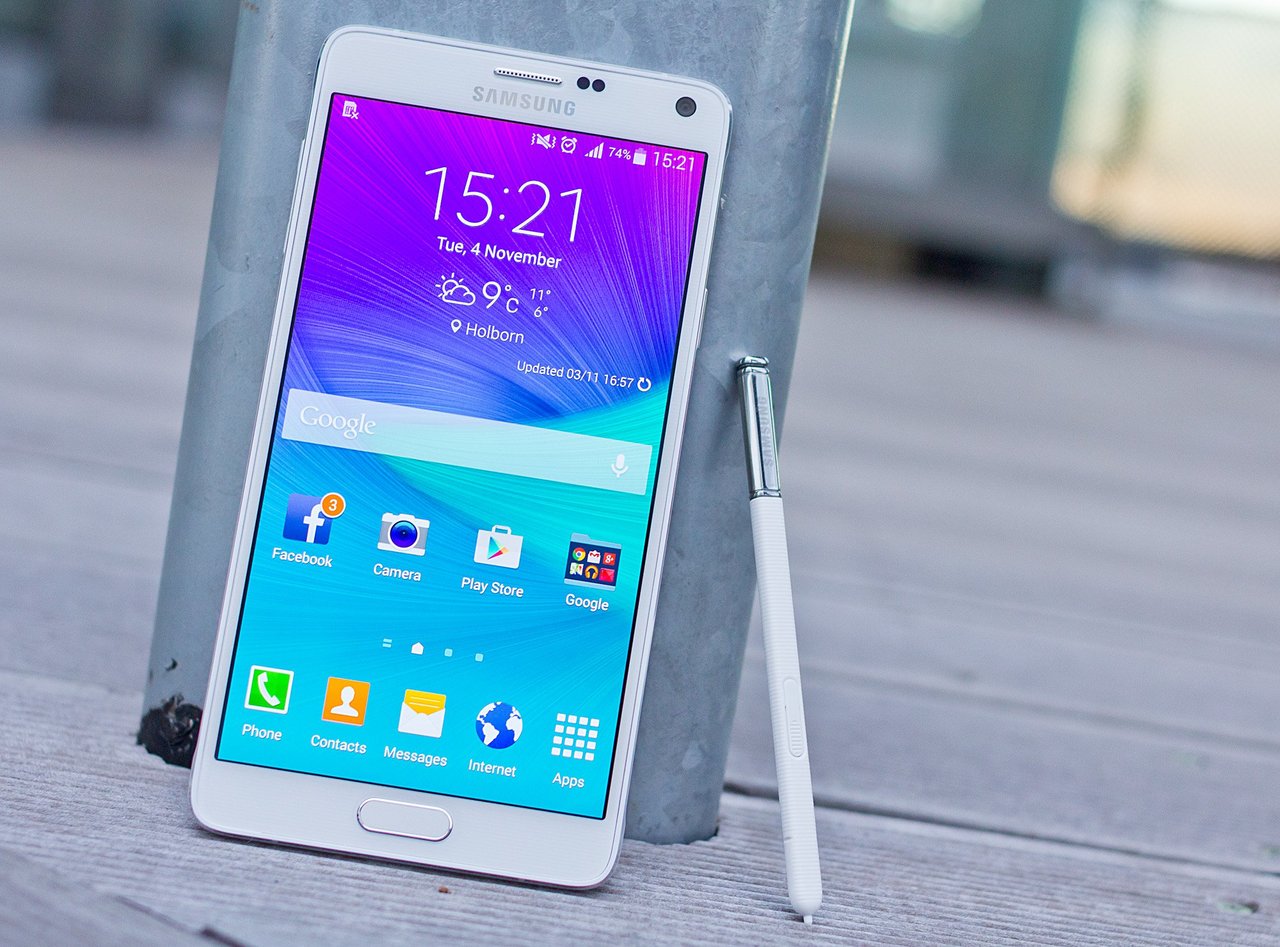




We all want to record game plays etc. on our android phone , But how to do that? Read The Full Article below.
First Way
Easiest Way
Requirement – Lolipop version of android on smartphone.
No root required
- Go to Playstore and Download “AZ Screen Recorder”.

- Just run the app And click on the “Record” Button.
- You Are done! The screen is recording!
Second Way
Requirement – Your Phone should be Rooted.
This way is for lower versions of android. (Below Lolipop)
- Just Root Your Phone.
- Then the same way as the first one.
Third Way
Requirements – Need PC/Laptop , Android emulator , PC Screen Recorder.
This way is for lower versions of android. No root Required!
- Download Screen Recorder (on pc) like bandicam or any other you wish.
- Download Android emulator like Bluestacks or any other you wish.
- Run both the Softwares.
- Adjust the Screen recorder as per your requirements.
- Just Click on the “Record” Button.
- You are done!The screen is recording!